The first app built on the new AI video model
No camera. No crew. No experience. Type what you want to see, and Vidoyo turns it into finished video — real shots, real motion, up to 4K — in minutes. Your first video is about 60 seconds away.
Look — I know what you're thinking.
"I've seen AI video tools. They look like garbage."
And honestly? You're right. Every AI video tool you've tried runs on last year's models. That's why the output looked fake. Weird faces. Robotic movement. That uncanny-valley thing where everything looks almost real but just... off.
So if you wrote off AI video, I don't blame you.
But something just changed.
A few weeks ago, a brand-new generation of AI video architecture went live. We built the NeuralFilm Engine on top of it — and the quality gap between this and everything else out there isn't 10% better. It's a completely different league.
The kind of video where your audience will scroll past without ever thinking "that's AI." Because it doesn't look like AI anymore. It looks like somebody hired a film crew.
And the best part? You don't need to be a filmmaker to use it. Type a simple sentence — what you want to see — and the NeuralFilm Engine handles everything. Lighting. Camera angles. Motion. Composition. You describe it. The AI directs it.
Don't take my word for it. Let me show you.
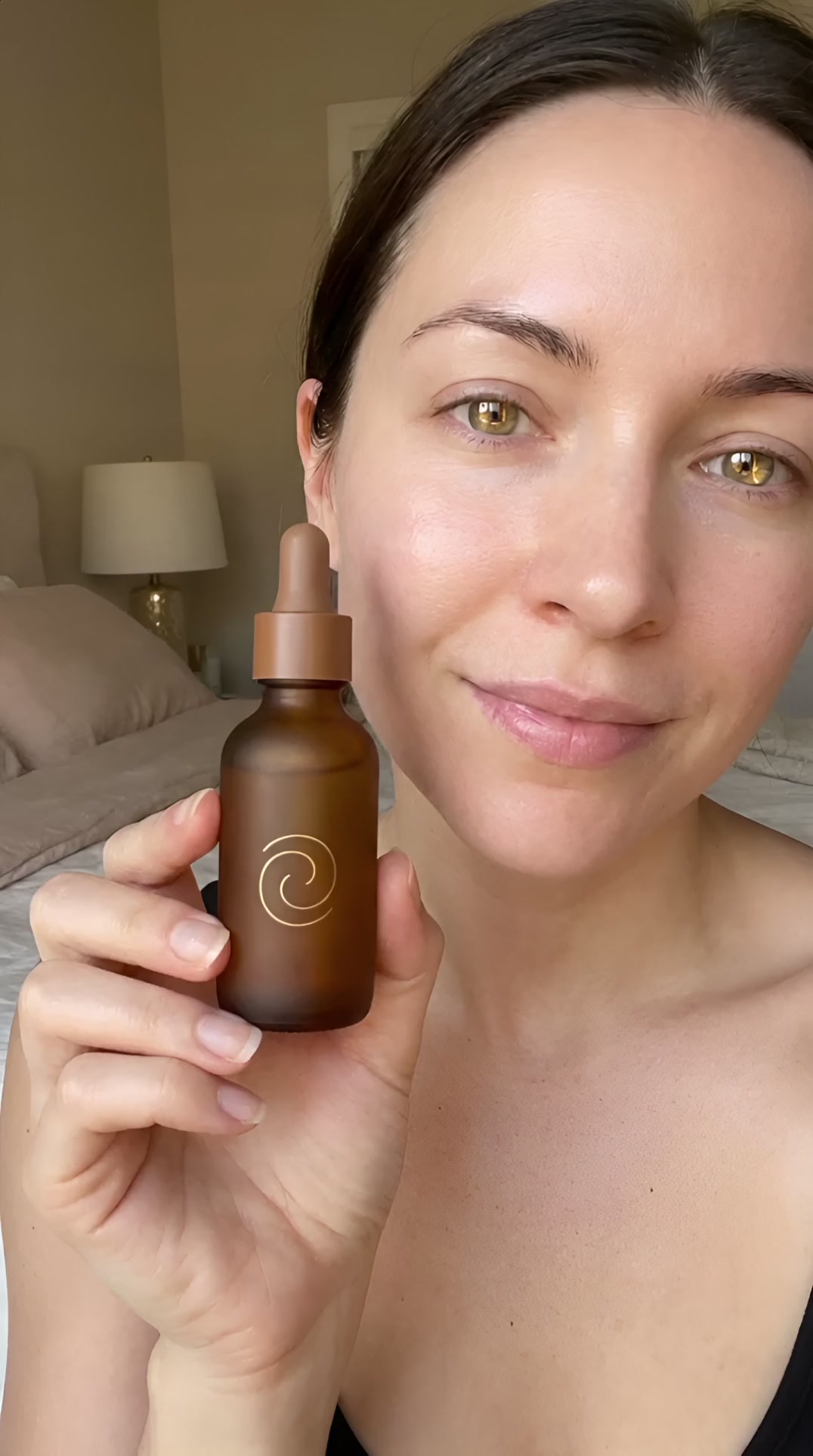
"Woman talking about skincare, warm lighting"
UGC Talking‑Head
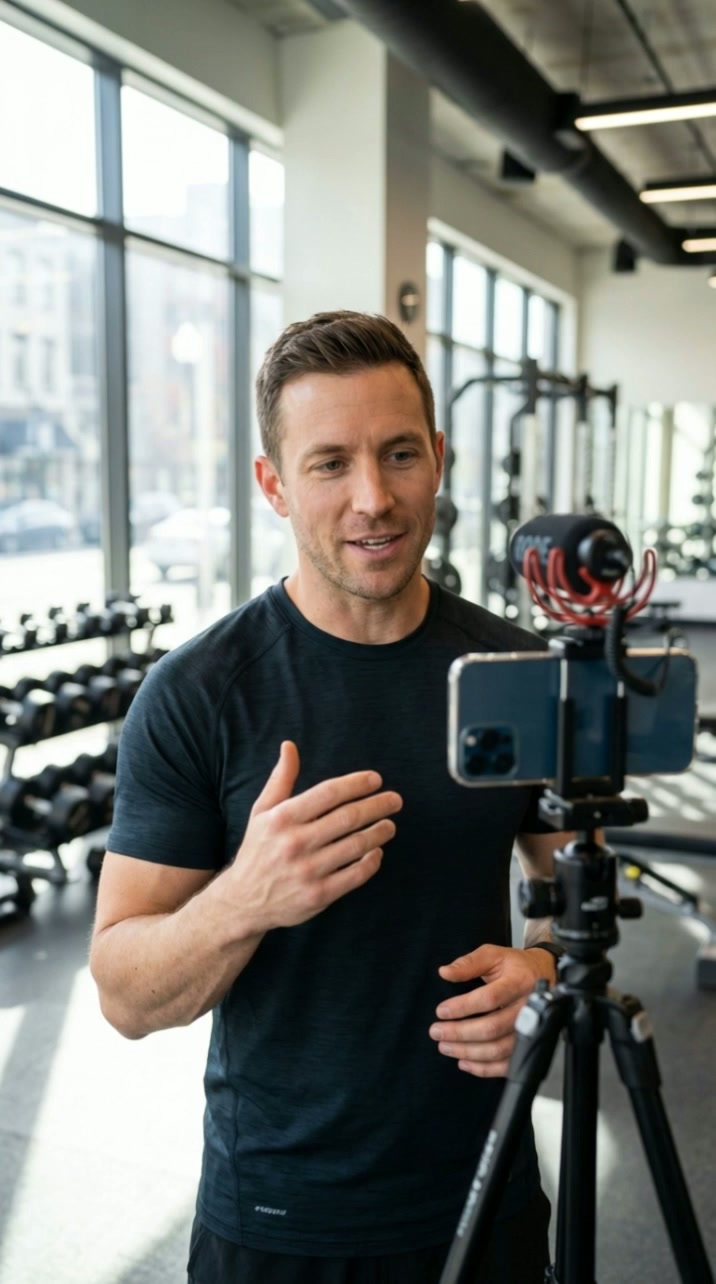
"Fitness trainer doing upperbody workout"
Fitness UGC
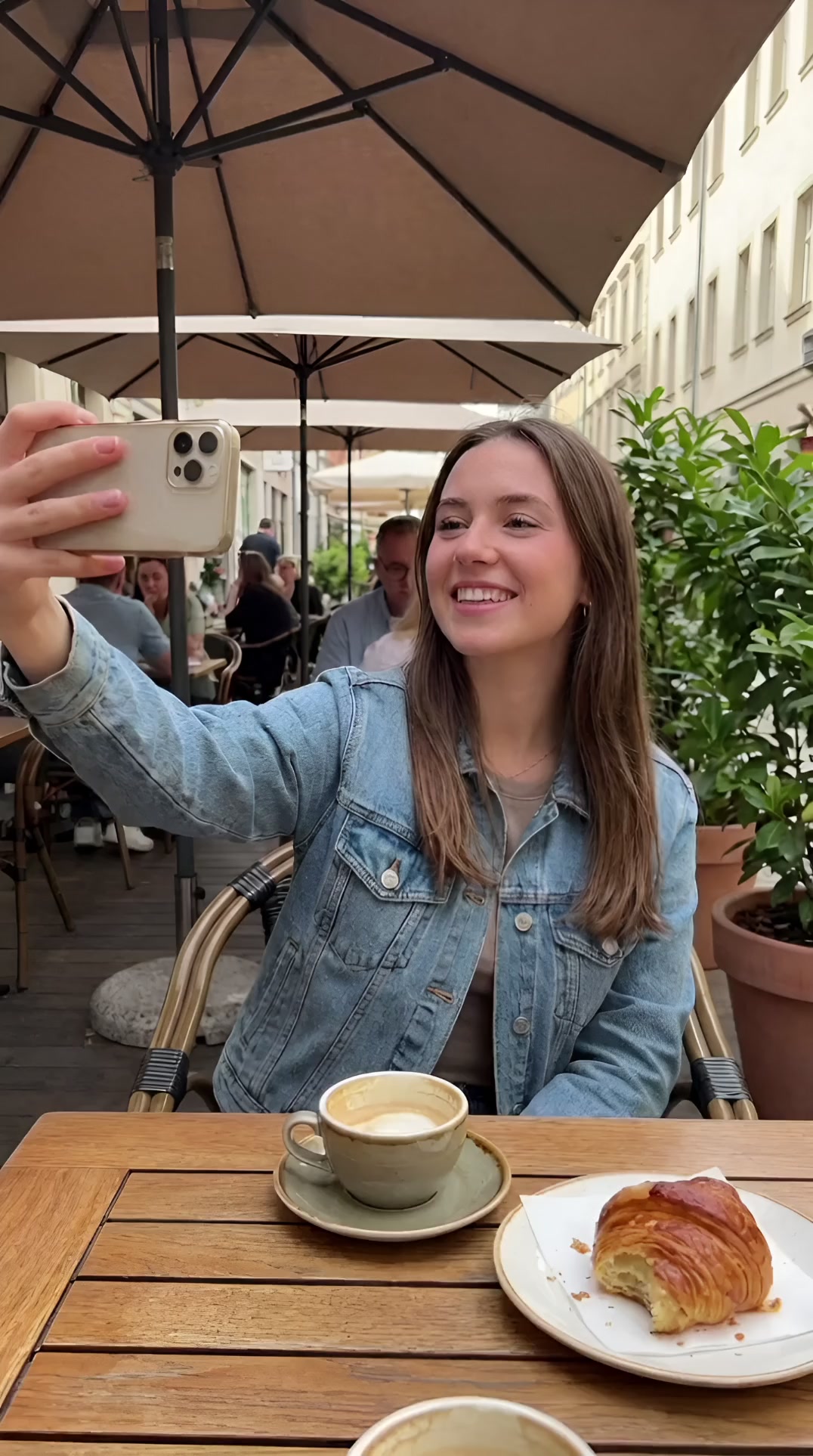
"Person filming selfie in coffee shop"
Lifestyle Selfie
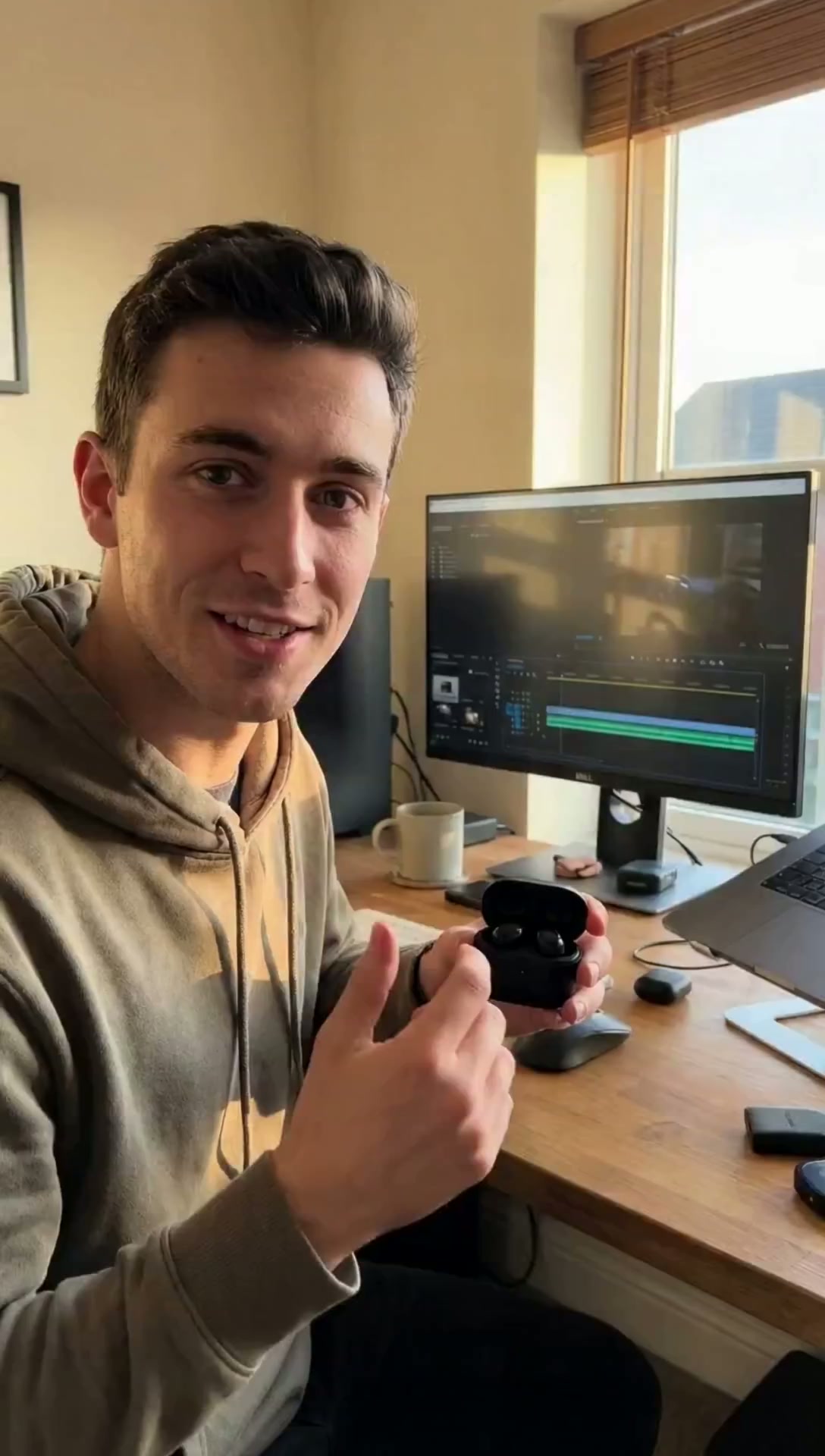
"Aesthetic tech desk setup, golden hour"
Product / Tech

"Influencer walking in fashion outfit"
Fashion / Influencer

"Luxury cosmetics bottle, soft lighting"
Product Shot
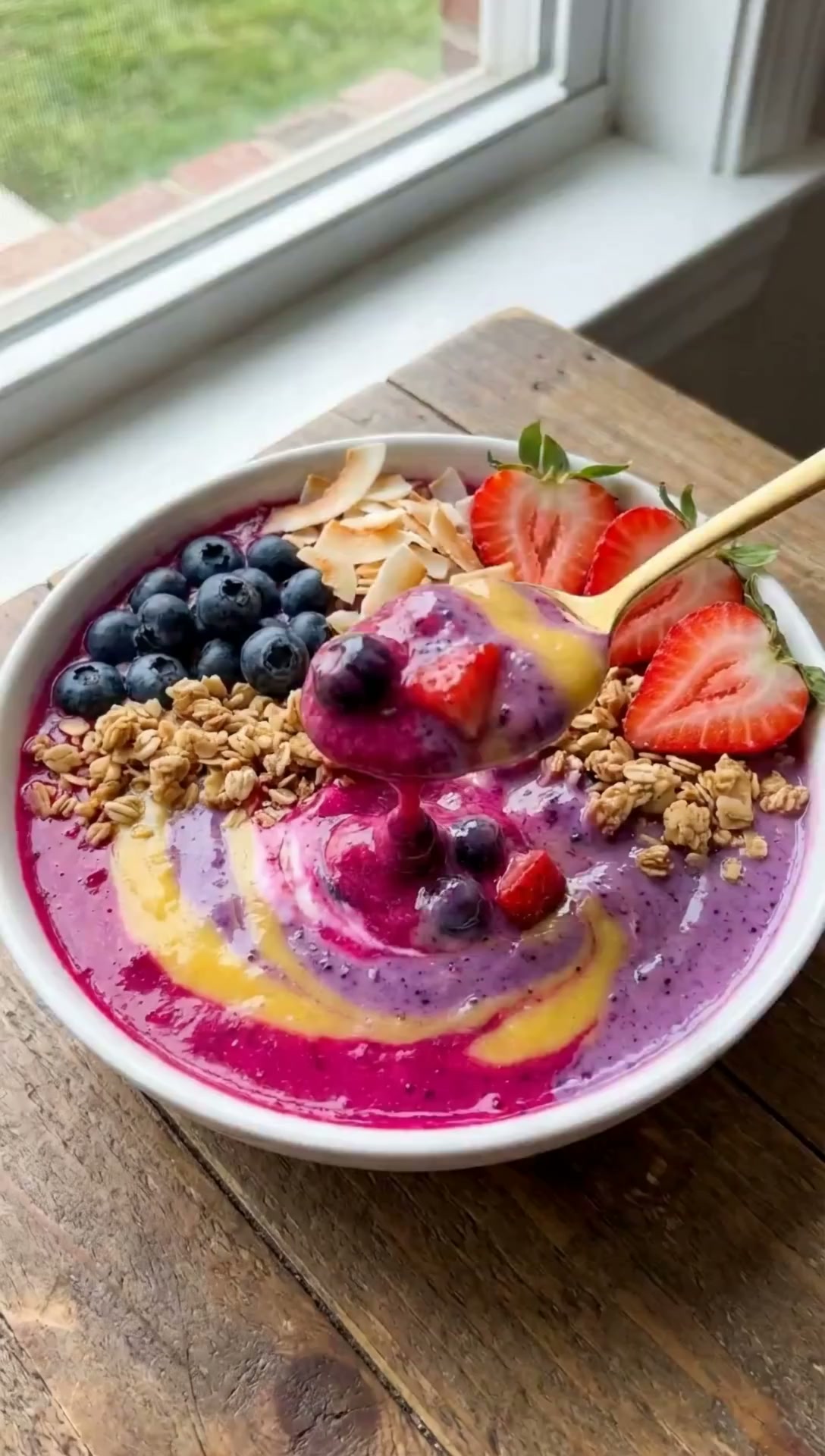
"Smoothie bowl with spoon, overhead shot"
Food / Recipe
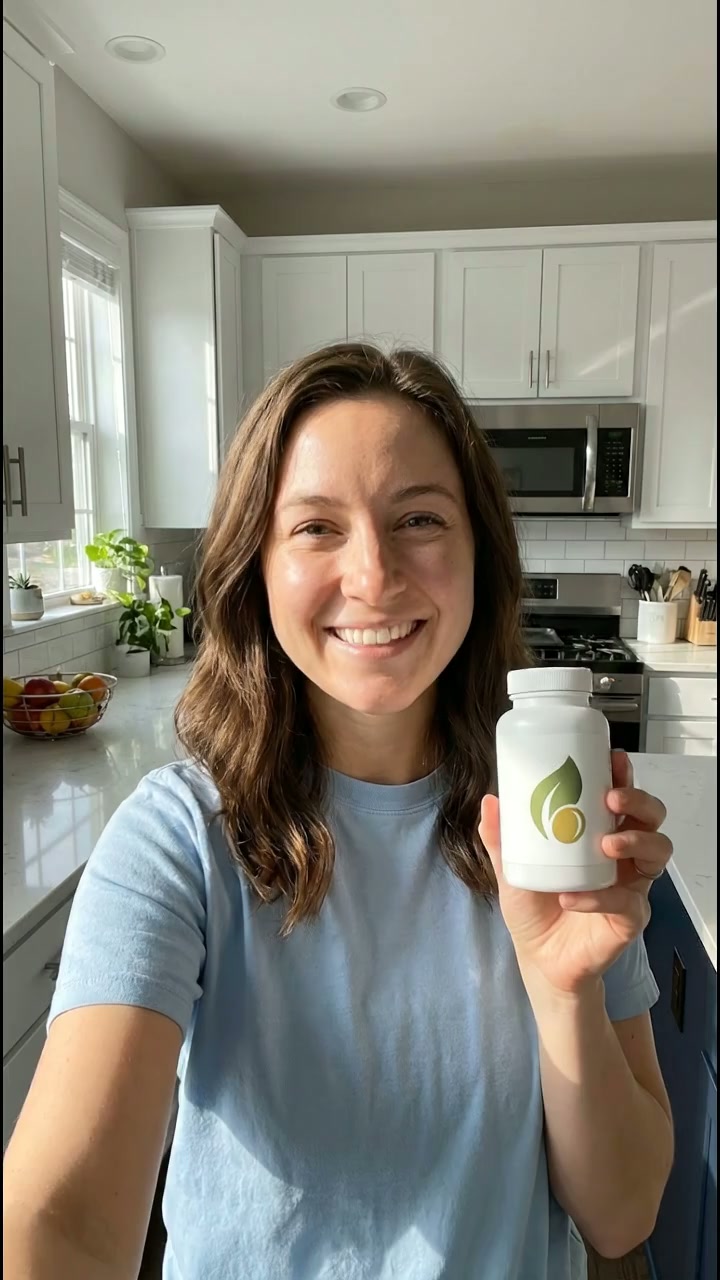
"Multi-shot supplement brand ad, 3 scenes"
Brand Ad (Multi‑Shot)
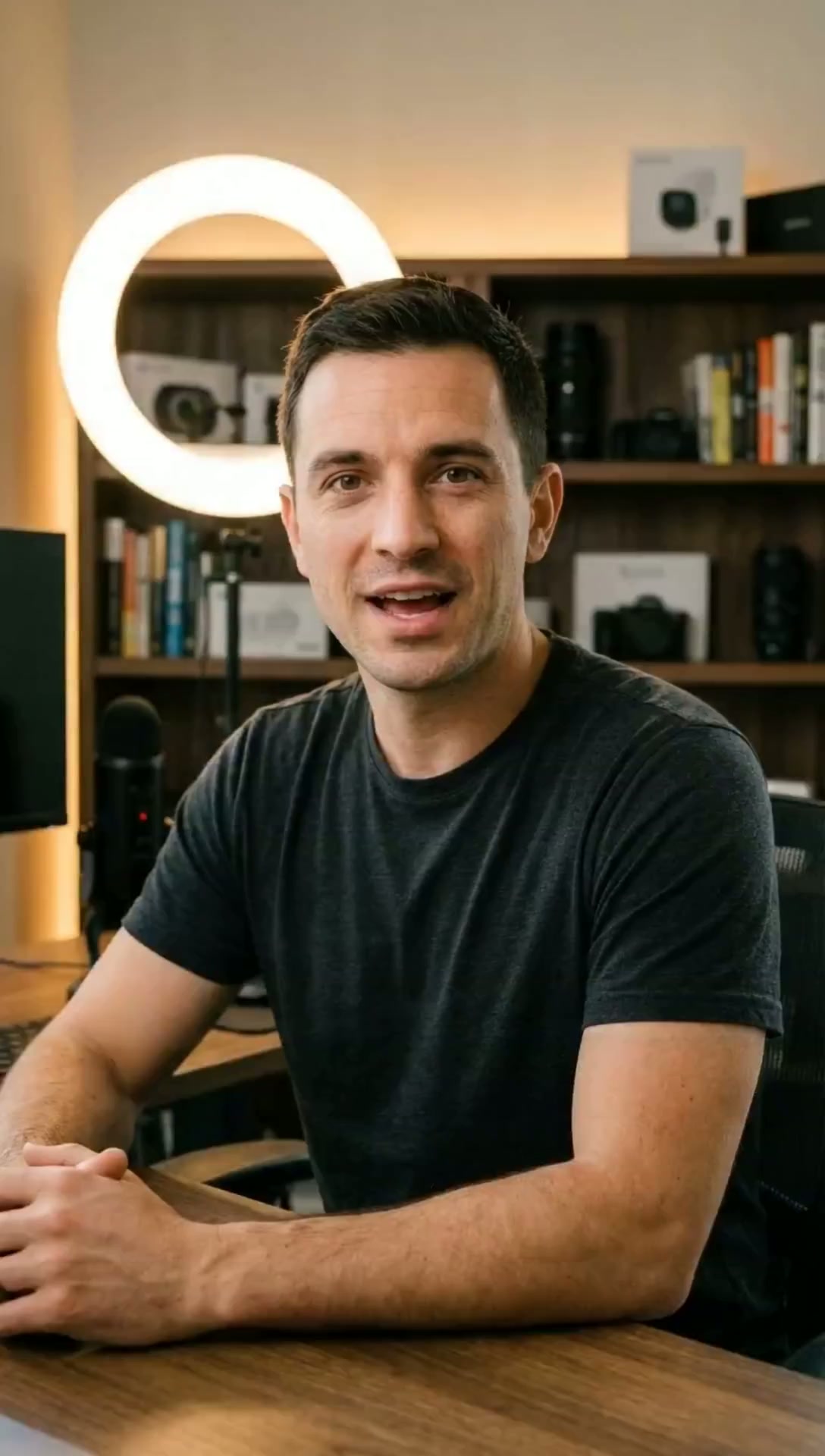
"App review talking-head, 4-segment"
App Review (Multi‑Shot)

"Day-in-the-life montage, 3 locations"
Lifestyle Montage

"Man reviewing supplements, kitchen counter"
Product Review
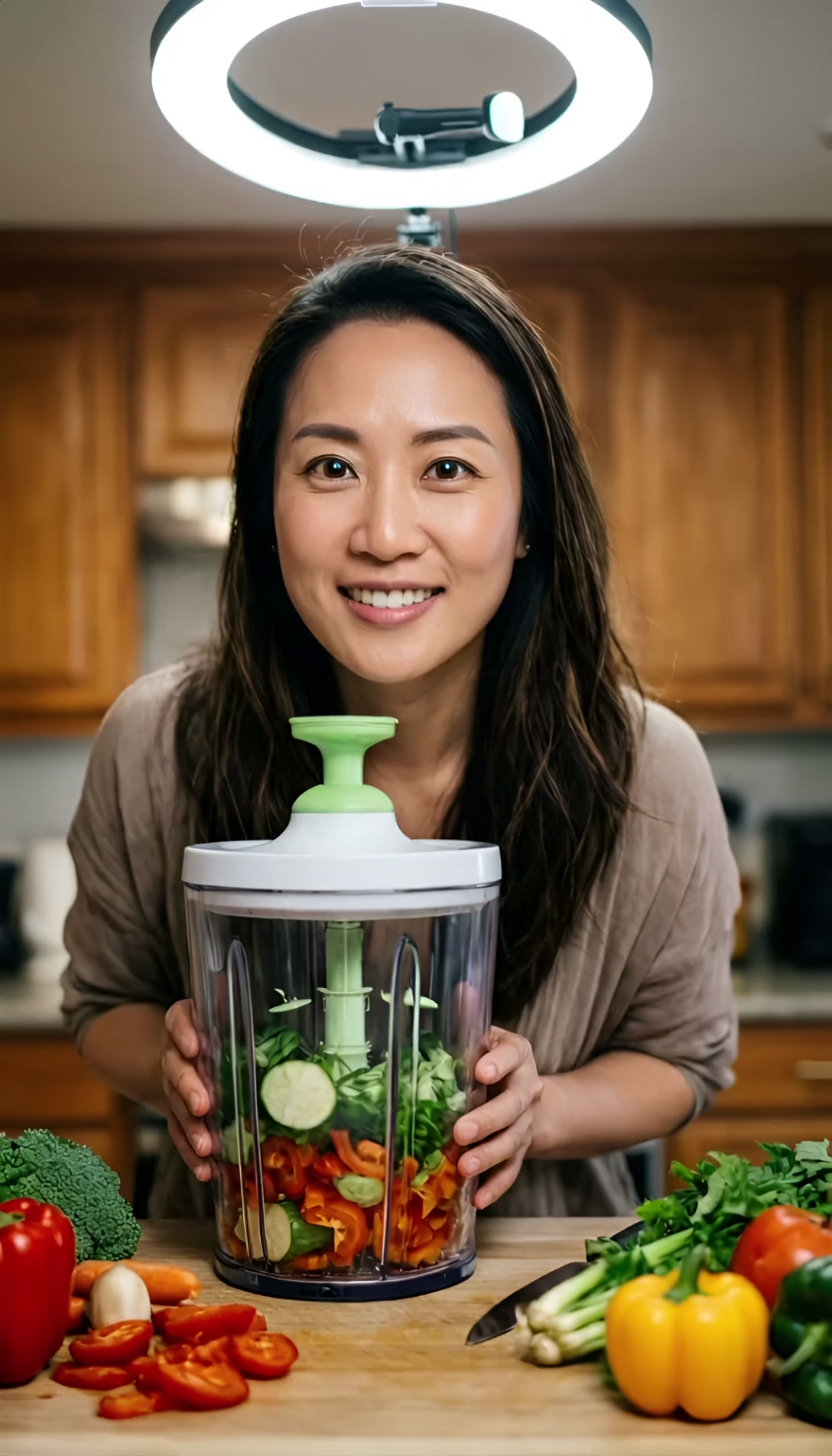
"Kitchen gadget review, unboxing style"
Unboxing / Kitchen
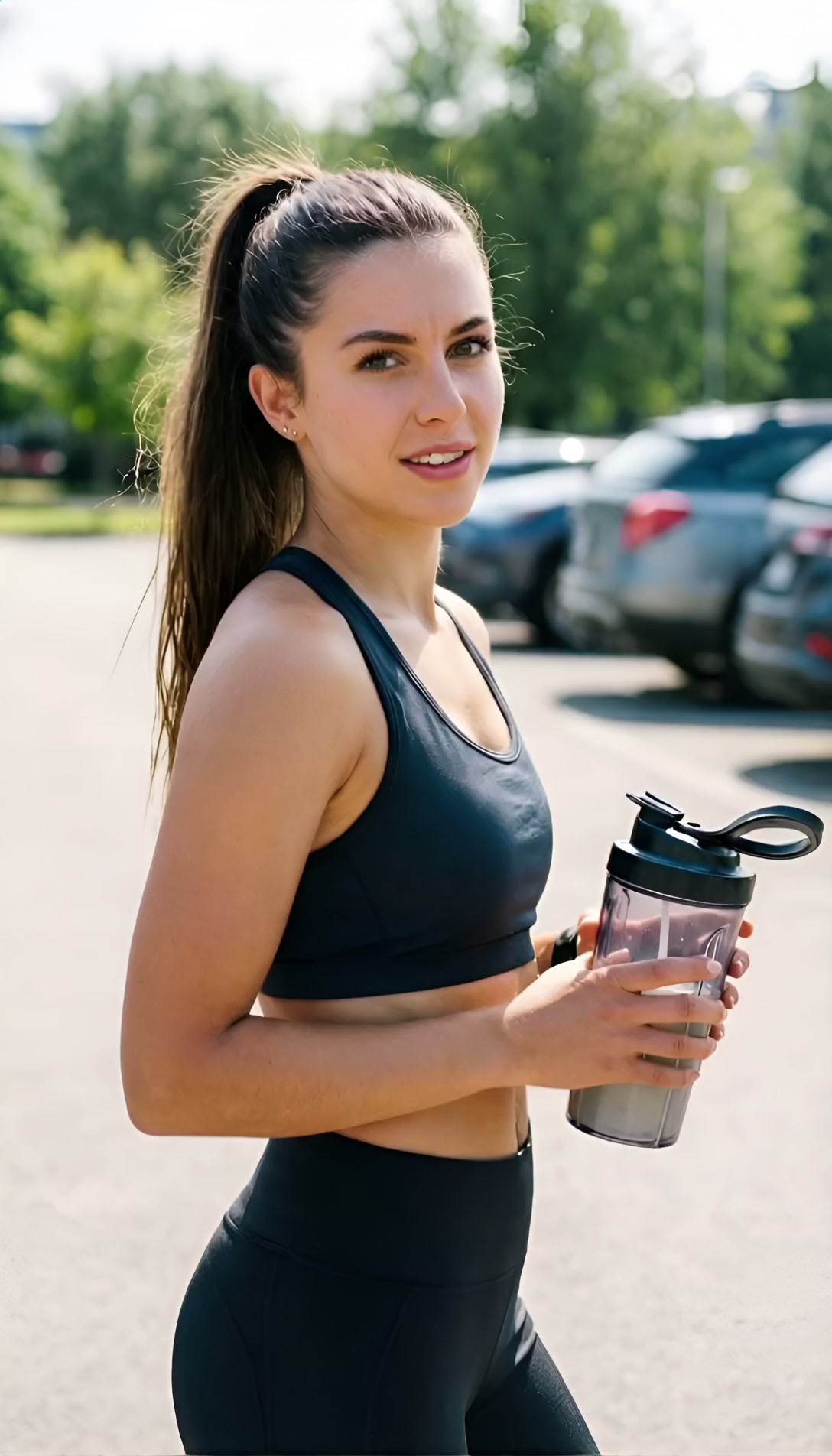
"Woman reviewing blender, energetic delivery"
Product Demo
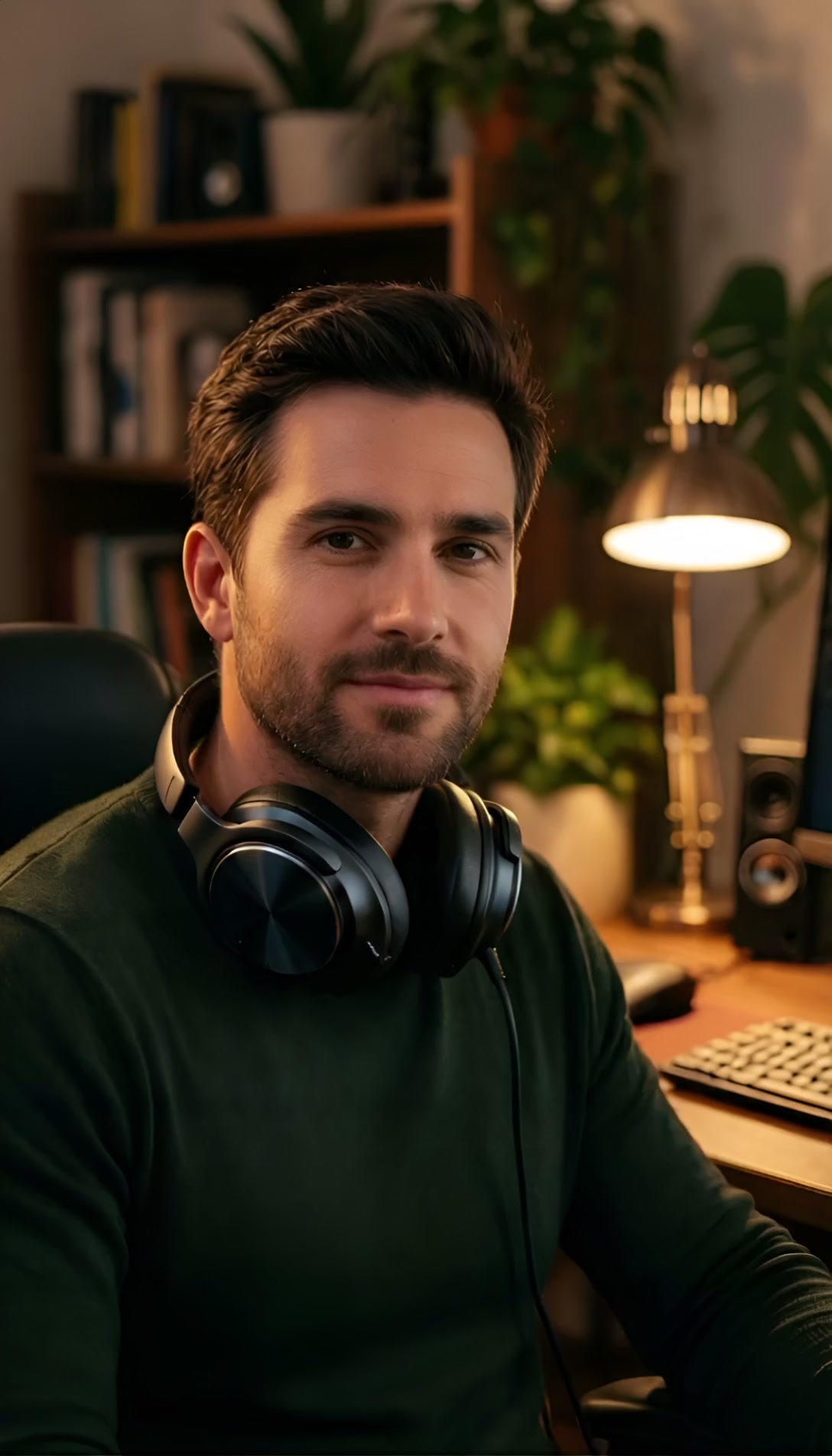
"Headphones review, casual studio setup"
Tech Review

"Standing desk review, home office shot"
Home Office Review
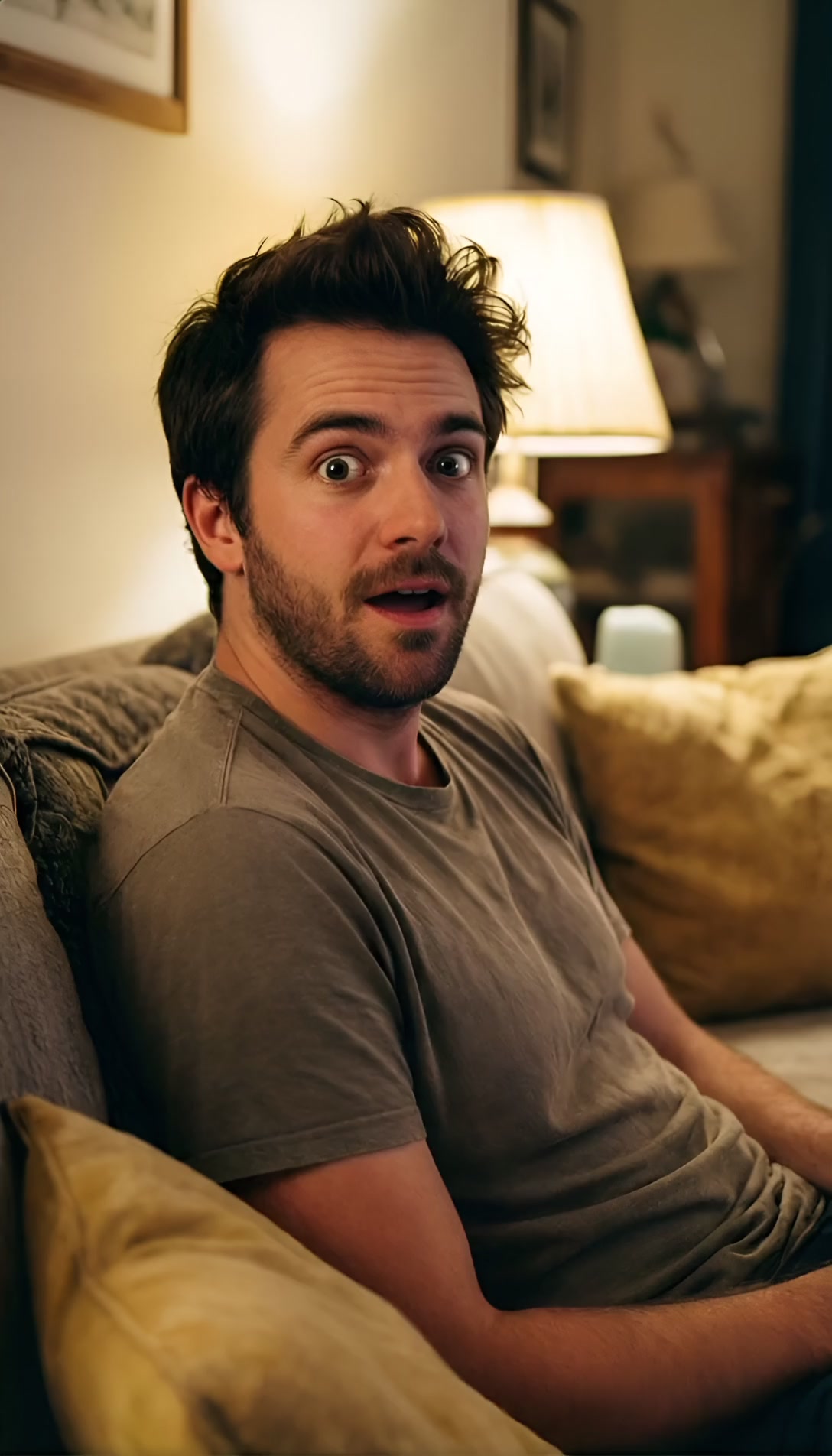
"Excited reaction to AI tool, face-to-camera"
Reaction / Review
"Man walking in Tokyo rain, neon reflections"
Cinematic

"Drone shot over misty mountain valley"
Nature / Drone

"City skyline timelapse, day to night"
Timelapse

"Coffee pour into white mug, steam rising"
Product Commercial
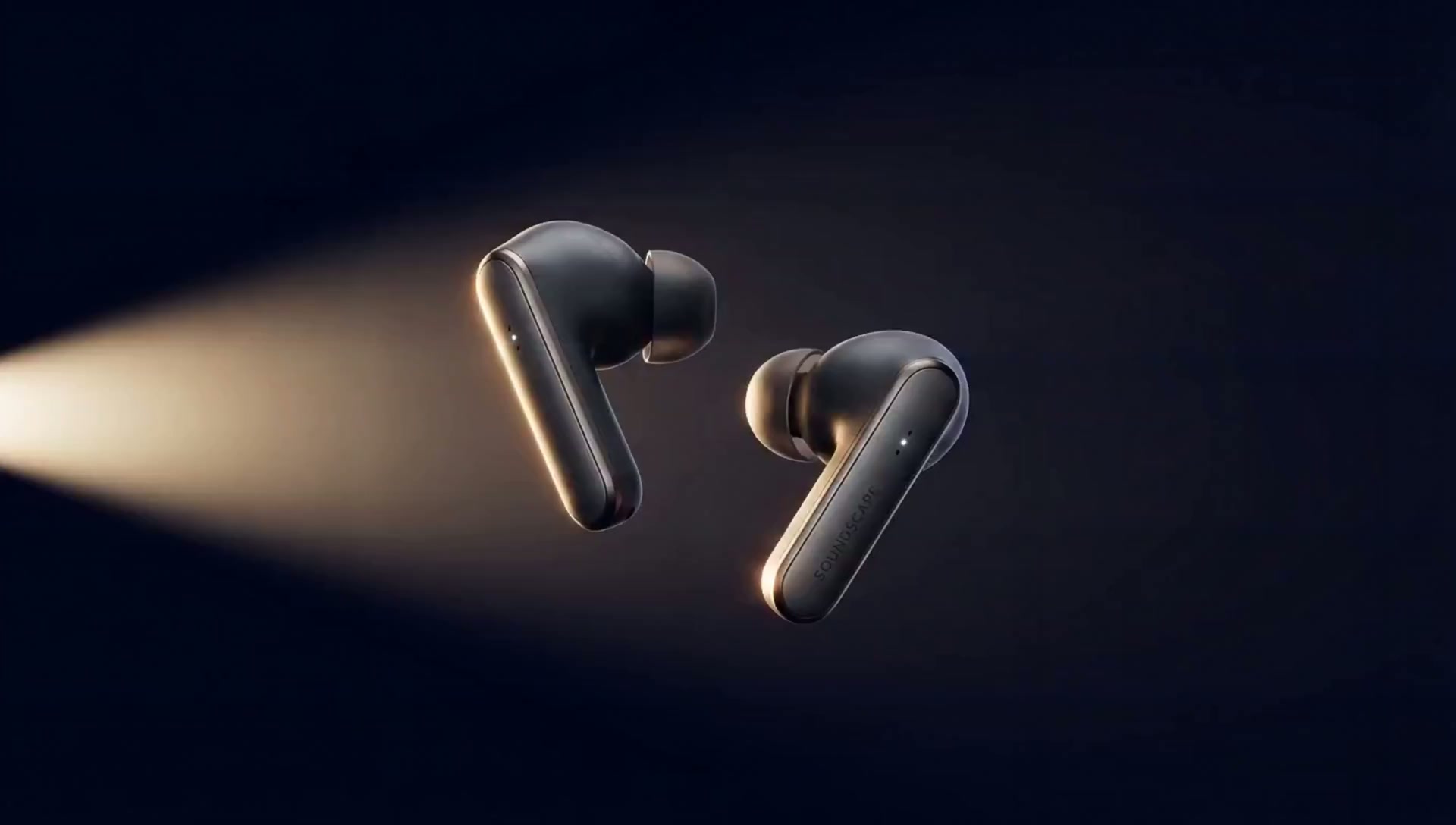
"Sleek tech product reveal, dark background"
Tech Product

"Roman Colosseum at golden sunset, crowds"
Documentary

"Astronaut in dark space station, blue lights"
Sci‑Fi / Creative

"Tropical fish in coral reef, sunbeams"
Underwater

"Travel explainer, 8 scenes, fast cuts"
YouTube Explainer
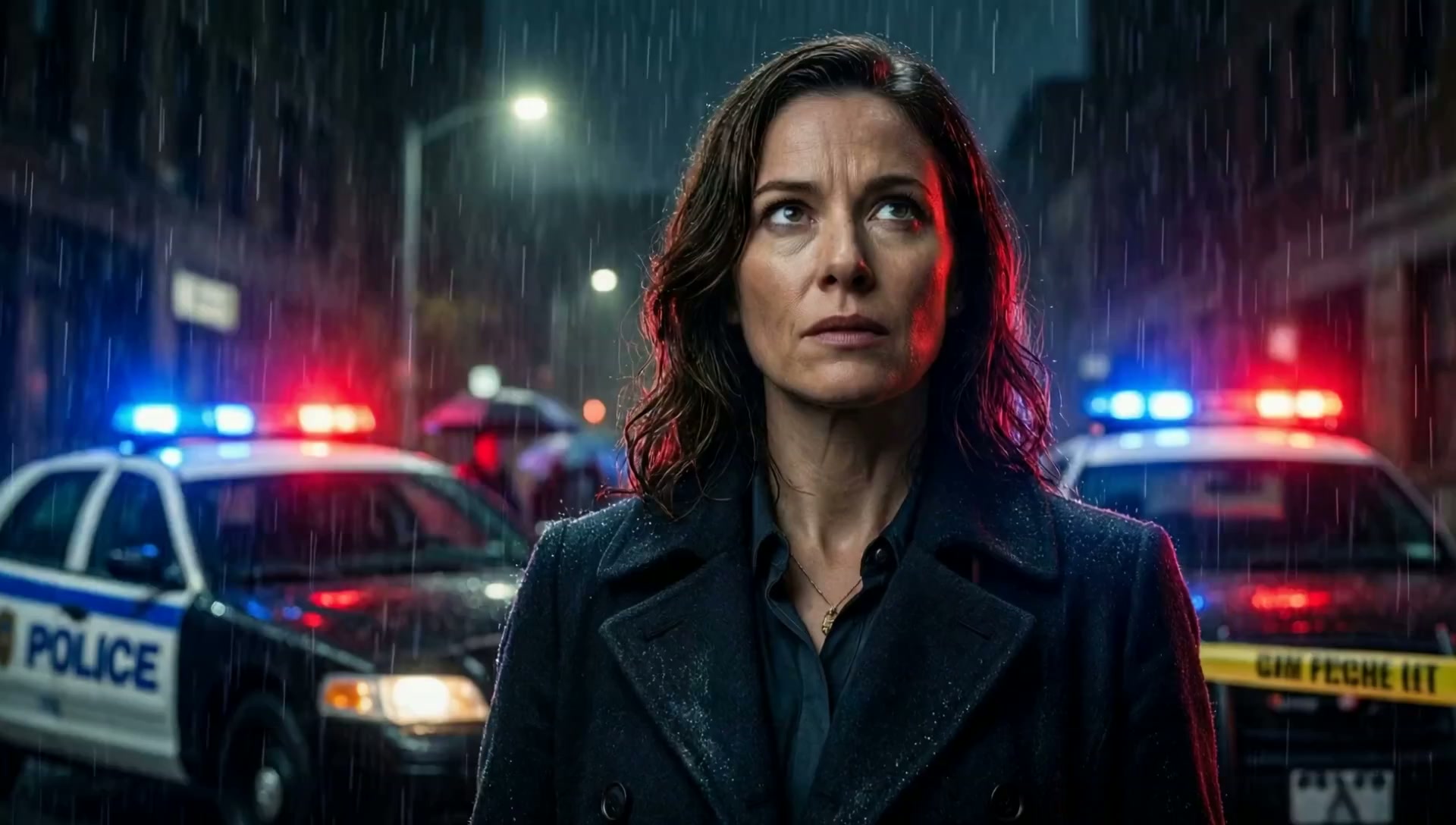
"Noir detective thriller, rain, 7 scenes"
Movie Trailer
"Claymation character walking through village"
Claymation

"Hand-drawn doodle sketch coming to life"
Doodle Sketch

"2D cartoon character in colorful world"
2D Cartoon

"Retro pixel art game scene, 16-bit style"
Pixel Art
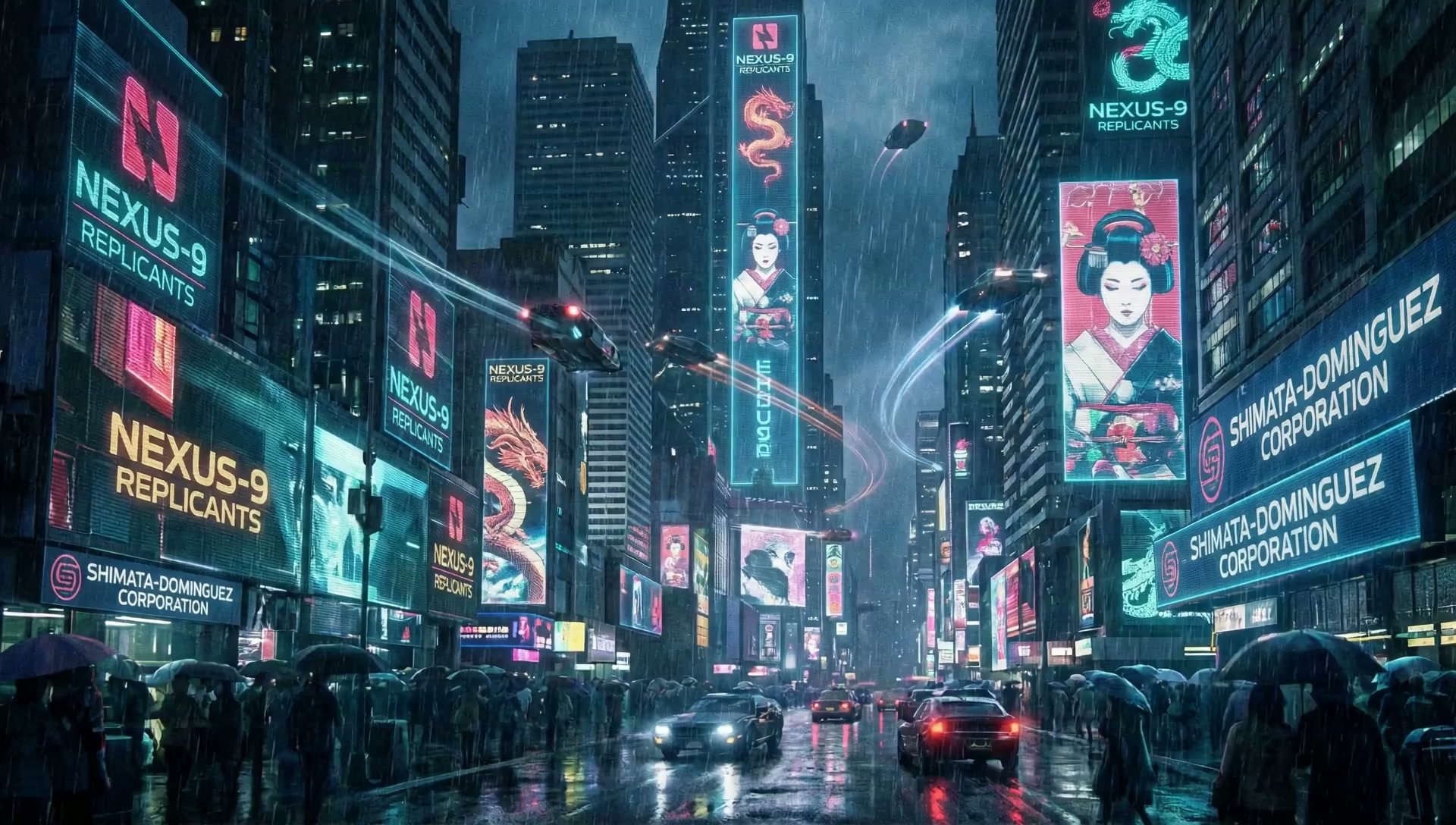
"Neon cyberpunk city at night, rain"
Cinematic — Cyberpunk

"Northern lights dancing over frozen lake"
Cinematic — Aurora
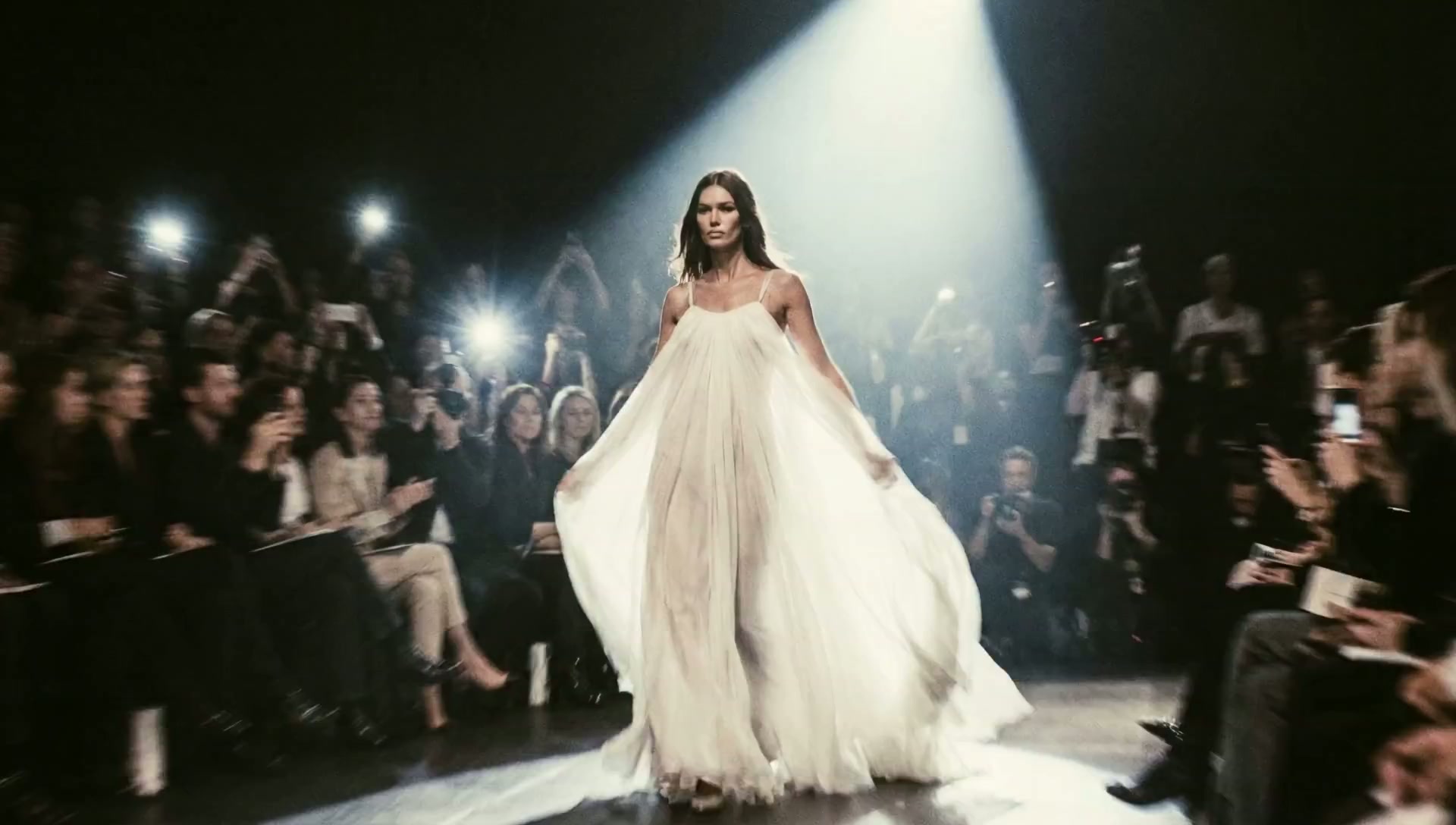
"Fashion model on runway, dramatic lighting"
Commercial — Fashion

"Fine dining plating, close-up, warm light"
Commercial — Restaurant

"Luxury car driving on coastal road, sunset"
Commercial — Automotive
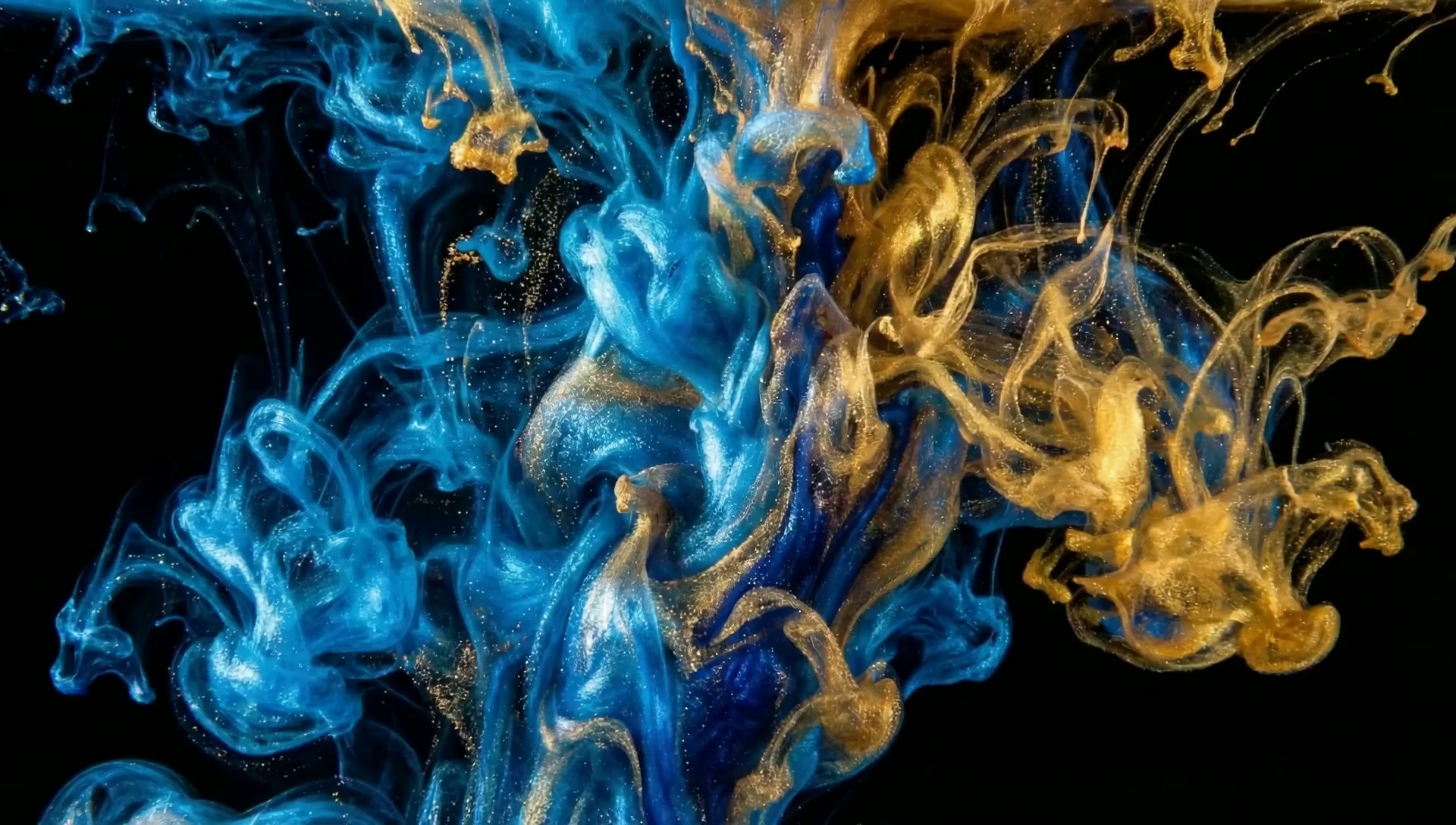
"Abstract paint flowing and swirling"
Artistic — Abstract

"Water droplet splash in extreme slow-mo"
Artistic — Slow‑Mo
That's it. That's the whole process. You type what you want. You pick a style. You click generate. And in seconds, you've got a video that looks like it cost $500 to produce.
Want a different angle? Change one word. Want a different person? Pick a new face. Want ten variations? Click generate ten times.
This is Vidoyo. And it's the first app built entirely on the new AI video model.
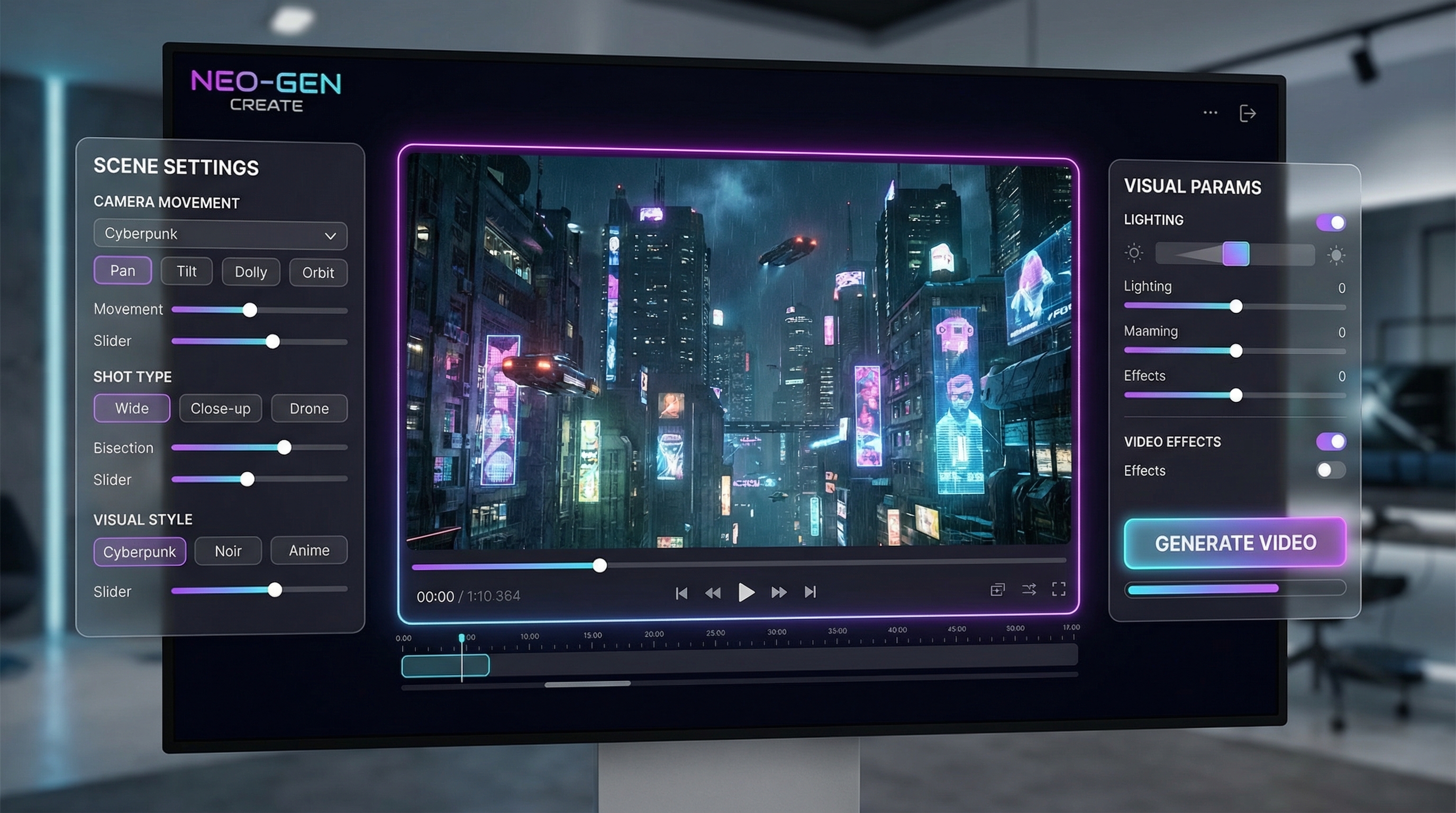
Let me tell you who's really going to love this.
If you run ads — or make content for social media — you already know: the videos that actually perform aren't the polished corporate ones. They're the UGC-style talking-head clips. Real person. Looking at camera. Talking about the product.
The problem? Those "real people" cost real money.
| The Old Way | With Vidoyo | |
|---|---|---|
| One UGC video | $150-500 (hire a creator) | Type a prompt, click generate |
| 10 test variations | $1,500-5,000 | Minutes, not weeks |
| New spokesperson | Find, hire, reshoot | Pick a new face, click generate |
| Script change | Back to square one | Retype one sentence |
| Turnaround | 3-7 days | Seconds |
With Vidoyo, you type your script. You pick a face from thousands of AI-generated personas. You assign a voice — there are 48 premium ones included, and they sound genuinely human. You set the camera angle. You click generate.
That's your UGC video. Make ten of them. Make fifty. Test every hook, every angle, every face until you find the winner. All in the time it used to take to write one creative brief.
So I showed you the talking-head videos. That alone is worth the price of this thing.
But here's what surprised me when I first got into Vidoyo — the UGC creator is just one tool inside a much bigger studio.
This isn't a one-trick app. It's actually a full AI filmmaking studio — video generation, image creation, voiceover, editing, thumbnails, and more — all running on the new AI model, all inside one dashboard.
Twelve months ago, creating the kind of video content that's blowing up right now required an entire production crew:
That's thousands of dollars and days of work. For a single video.
Vidoyo puts every one of those roles — actor, voice artist, cinematographer, editor, motion designer — into a single app that one person can operate. Starting at $37.
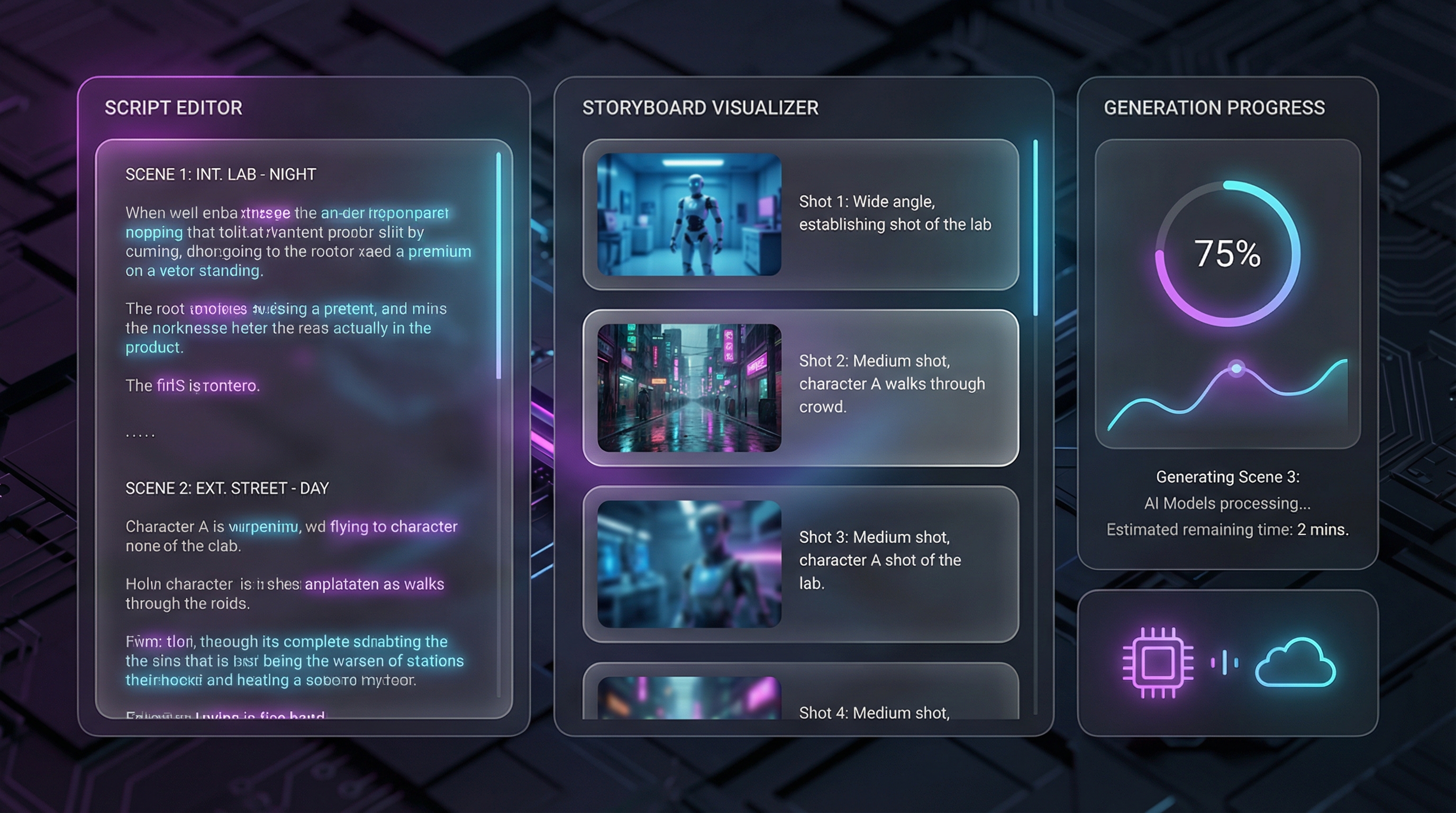
Turn text into professional-quality video and images.
You describe the scene. Vidoyo directs it — camera angles, lighting, composition, motion, everything.
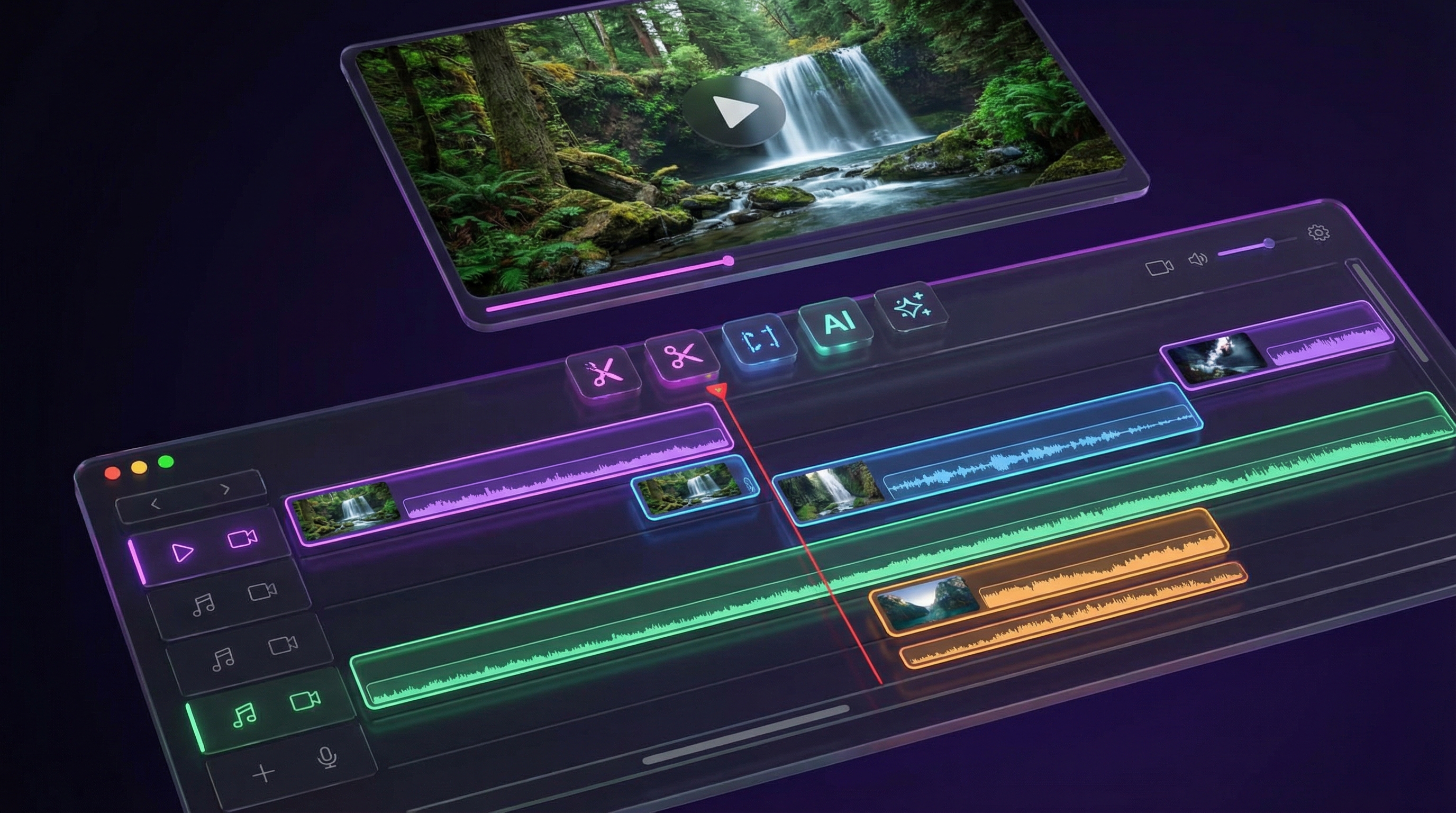
Cut, arrange, and polish — all inside one editor.
No more jumping between apps. Edit, add voiceover, drop in music, and export — all from one timeline.
Add voice, music, and polish — then export.
Add a voiceover, drop in a music track, preview, and export. Your finished video — ready to post.
Your AI content looks intentional, not random.
This is what separates amateur AI content from professional branded content. Your spokesperson looks the same in every video. Your brand stays on point.
This is what happens when the barrier disappears. The only limit is your ideas.
Your creative IS your targeting now.
Meta's algorithm no longer relies on your interest selections to find customers. It reads your ad creative — the video itself — and uses that to decide who sees it.
The old math: hire a creator, wait 5 days, get 3 versions, hope one works.
The new math: generate 15 diverse video ads in an afternoon. Let Meta's AI pick the winners.
That's the edge. Not bigger budgets. Not better targeting. More creative, faster.
Let me paint you a picture.
Monday
You open Vidoyo. Type a script for a talking-head ad. Thirty seconds later you've got five variations with different faces, different hooks, different angles. That's your ad testing for the week.
Tuesday
A client needs a product video. You type the description. Pick a cinematic style. Generate. Export. Send invoice. Total time: ten minutes.
Wednesday
Generate clips scene by scene. Add AI voiceover, drop in music, edit on the timeline, export. A full YouTube video without showing your face or leaving your chair.
That's the difference between owning this tool and not owning it. It's not about one video. It's about what you can produce, every single day, without the cost, the time, or the hassle.
My name is Andrew Darius. I've been building software for entrepreneurs for over 15 years.
I built Vidoyo because I saw the same thing you saw — AI video was promising but never ready. The quality wasn't there. The tools were fragmented. You'd generate a clip in one app, voice it in another, edit in a third, and the result still looked fake.
When the new AI models dropped, I knew it was time. My team and I built Vidoyo from scratch — not a wrapper around someone else's API, not a reskin of an old product — a full filmmaking studio designed specifically for this new generation of AI.
And I priced it at $37 because I want this in as many hands as possible. That's the whole strategy.
Here's what's inside your Vidoyo Personal license:
Not monthly. Not yearly. Not a subscription. You pay once. You keep it.
This $37 price is our launch special. It won't stay this low.
After launch week:
Complete your secure checkout (takes 60 seconds)
Create your Vidoyo account — instant access, nothing to install
Log in from any browser, type your first prompt, and watch the AI create
Vidoyo is a cloud-based app. Log in from any device, any browser. Your projects and credits live in the cloud — nothing to download or install.
Get Vidoyo. Log in. Generate videos. Create images. Play with the voiceover studio. Test every feature for a full 30 days.
If you don't think it's worth every penny — for any reason — just let us know. Full refund. No hoops, no questions, no awkward exit survey.
Your only risk is not trying it.
Do I need any technical skills to use this?
Can you type "a woman walks into a coffee shop, morning light, handheld camera"? Then you can use Vidoyo. The AI handles everything else — lighting, composition, camera angles, motion, rendering. You describe the scene. The AI directs it.
Is this a monthly subscription?
No. $37, one time. You buy it, you own it. Period.
Is this a download or a cloud app?
Cloud app. You log in from any browser on any device — nothing to install. Your projects, credits, and assets all live in the cloud. Works on Mac, PC, tablet, whatever you've got.
Can I use the videos for my business?
Yes. Your Vidoyo Personal license includes a full commercial license. Use the videos for your own brand, your own content, your own ads, your own social media. (Agency/client work — where you produce videos for other people's businesses — is available in an optional upgrade.)
48 voices are included — do those cost extra?
Nope. All 48 premium voices are included with your license. They sound natural, they support emotion tags, and you can use them across voiceovers, storyboards, and everything else inside the app. No per-word fees. No usage limits on the voices themselves.
How is this different from Synthesia, Runway, or Pictory?
Two things. First — the AI model. Most tools are still running on last year's technology, which is why the output looks artificial. Vidoyo is built on the new generation of AI video models. The quality gap is massive. Second — scope. Most tools do one thing (generate a clip). Vidoyo is a complete filmmaking studio: video, images, voiceover, editing, retakes, storyboarding, character consistency, thumbnails — all in one place. You don't need five different apps anymore. And unlike those tools, Vidoyo doesn't charge you monthly.
What are credits and how many videos can I make?
Credits power the AI generation. Your plan includes 500 Core Credits. As a rough guide: a standard-quality video clip costs around 5-10 credits, so 500 gets you approximately 50-100 video clips. Images cost fewer credits. Additional credits are available inside the app as needed — buy them when you want more.
What if it's not for me?
Then you get a full refund. 30 days. No questions. No hassle. You literally risk nothing.
The new AI is here. The studio is built. The price won't last. $37. One time. 30-day guarantee.
Launch pricing ends soon. After that, Vidoyo goes to $97 and bonuses disappear.
If you're seeing this price, you still have time.
About Vidoyo. Vidoyo is an AI video creation application: you describe the video you want, and the software generates, edits, and exports it. Vidoyo is a software tool. It is not an income or business opportunity, and we make no claims about money you will or may earn by using it. What you create with Vidoyo, and what you do with it, is up to you.
Any examples, demonstrations, or testimonials shown on this page illustrate what the software can produce, not results you should expect in your own circumstances. Individual experience varies.
Purchases are processed by JVZoo, the authorized retailer of record. Your purchase is covered by our 30-day money-back guarantee as described above.
Vidoyo is not affiliated with, endorsed by, or sponsored by YouTube, Facebook, Google, TikTok, Instagram, or any other platform named on this page. All trademarks are the property of their respective owners.
Vidoyo is a product of Explaindio LLC. Questions? Contact legal@vidoyo.com.